The problem
Team passwords end up in spreadsheets, chats and inboxes
That includes logins for cloud consoles, admin panels, Wi-Fi, supplier portals and customer systems. Some also sit in personal browsers.
No record of who has which password
When someone leaves, you can't tell which passwords they had.
Client credentials travel in plain text
They get emailed once and stay in someone's inbox.
Cloud password managers keep your vault on their servers
The vendor runs the servers and decides how they are operated.
What your team gets
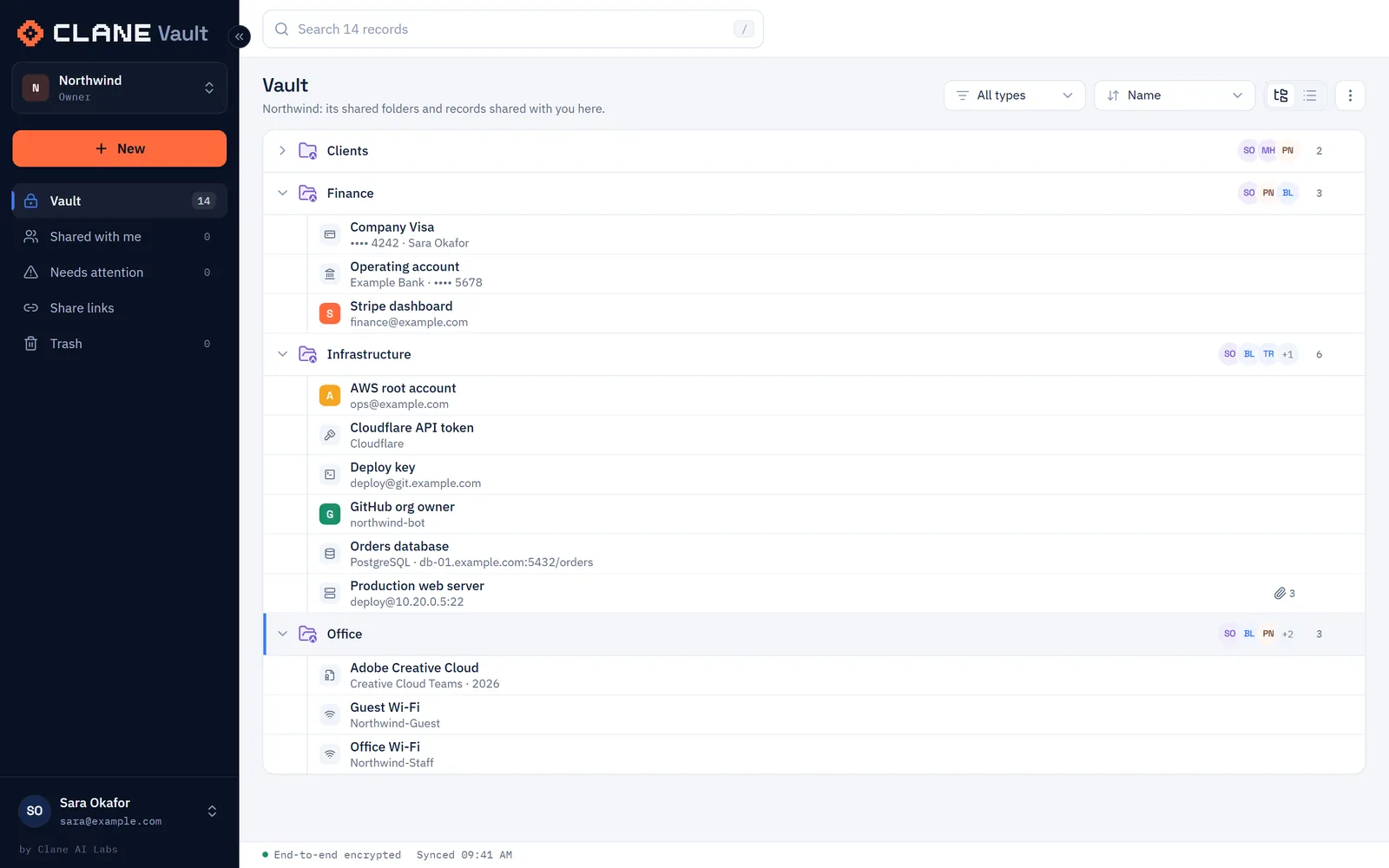
Shared passwords, keys and files in one place
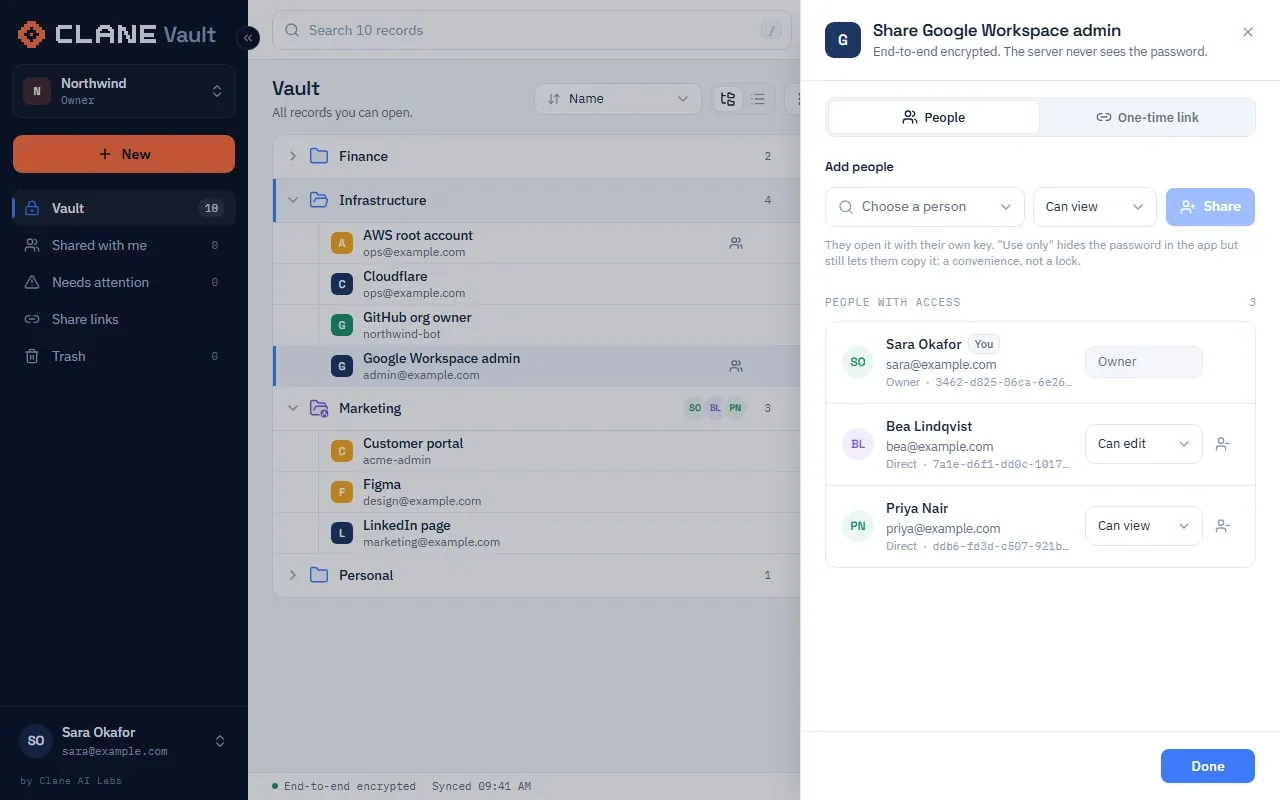
Shared vault in the browser, extension and app
- Shared folders with Edit, View or Use only access per person or group
- Web app, browser extension for Chrome, Edge and Firefox, and an installable app with an offline copy
- Password generator, strength checks and authenticator codes
14 record types and custom fields
- Logins, secure notes, payment cards, bank accounts, servers, databases, SSH keys, API keys, Wi-Fi, software licences, identity documents, addresses, contacts and memberships
- The record type is encrypted too: the server only knows "login" or "item"
Encrypted files and client links
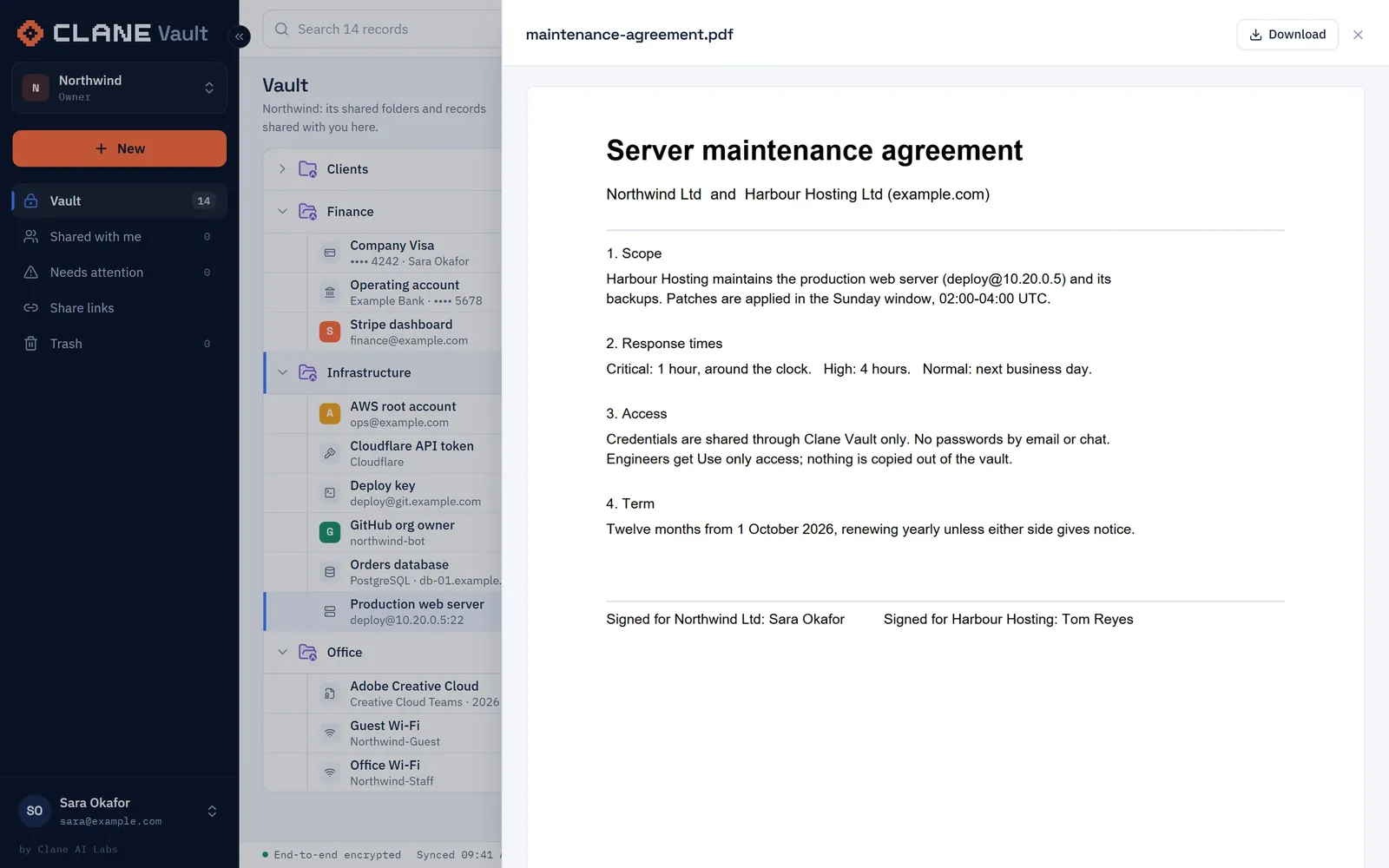
- Attach certificates, licence files and scans up to 100 MB each. Every file has its own key.
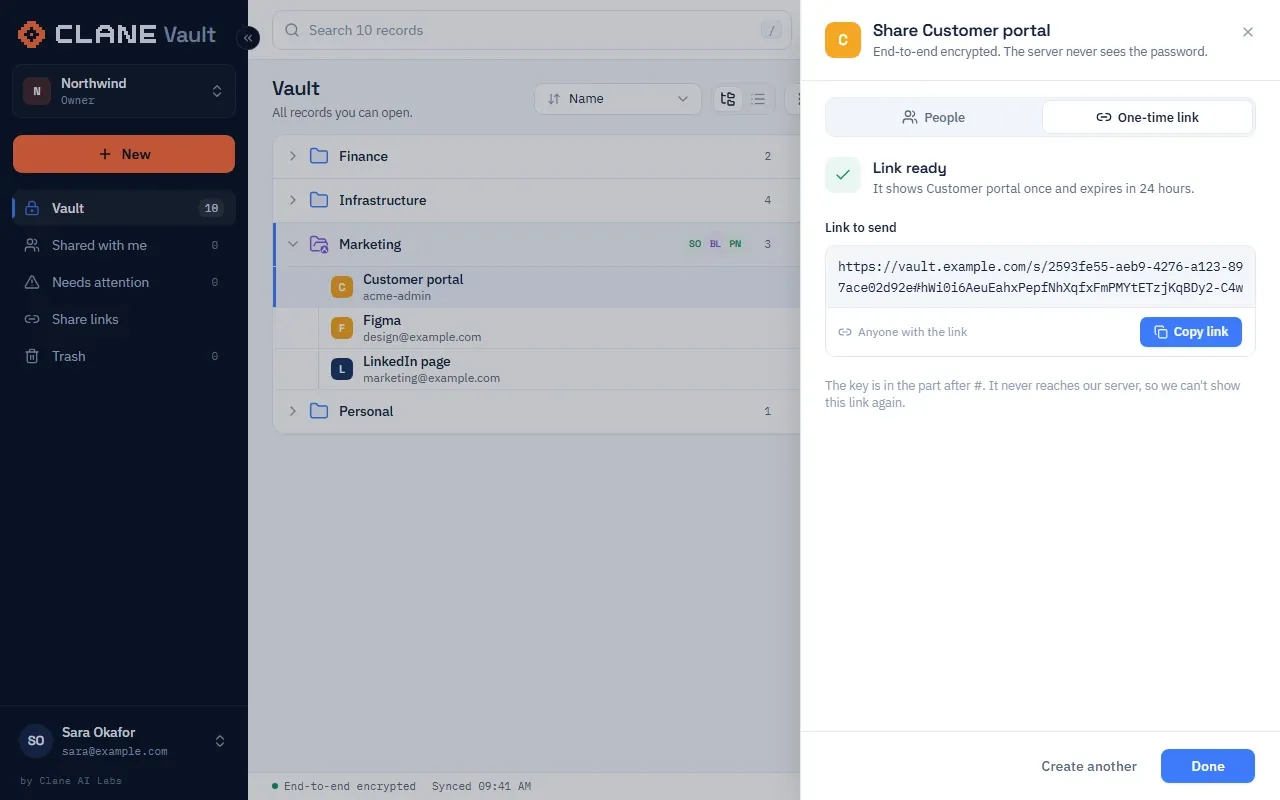
- Send a client a link that opens once, with files if they need them
Import from other password managers
Cards, bank accounts and servers keep their record type when imported.
- Keeper
- LastPass
- 1Password
- Bitwarden
- Zoho Vault
- Dashlane
- CSV
What admins get
Admin controls
Invites and groups
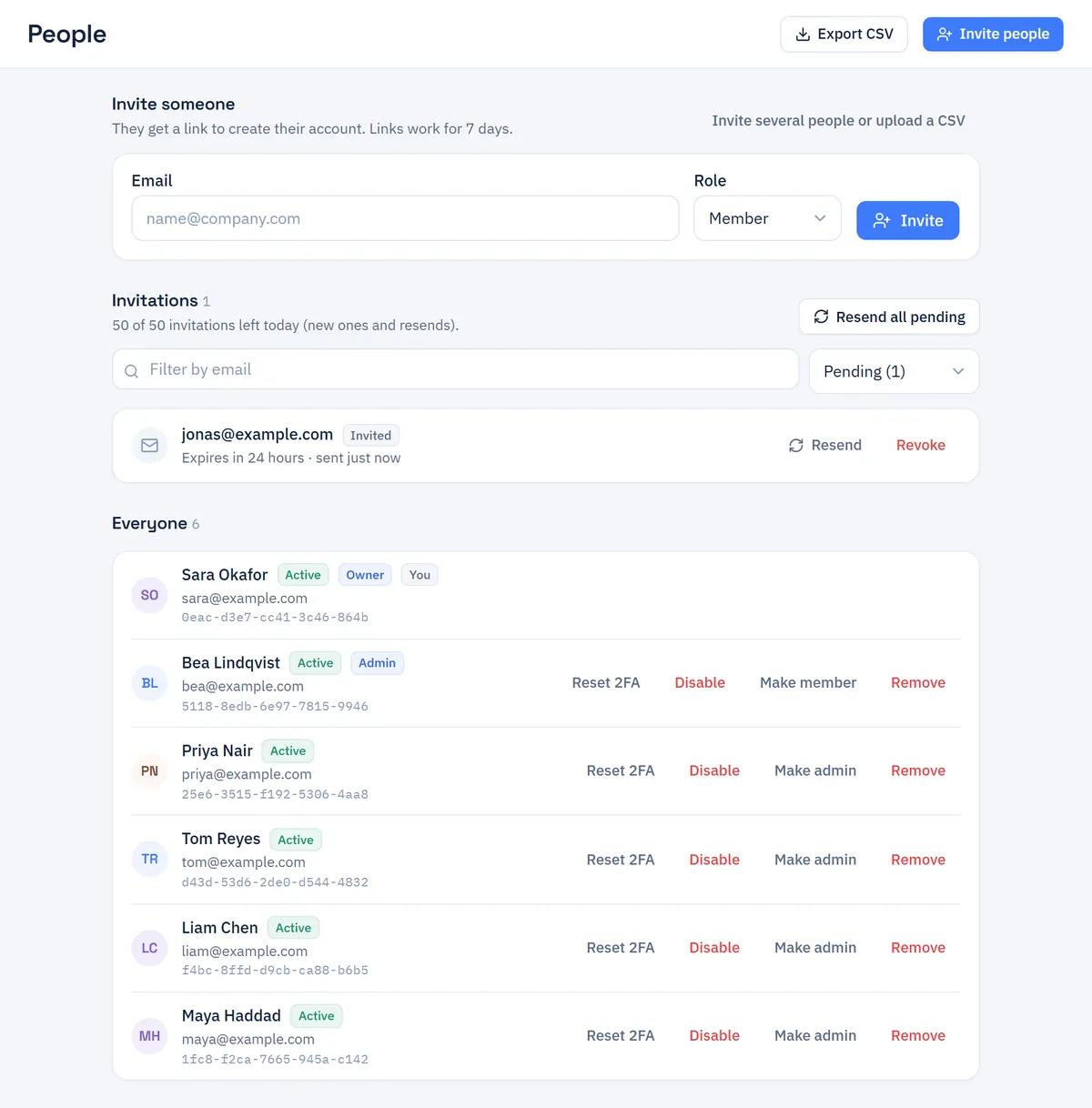
Bulk invites by CSV, sign-up for your email domain, groups for whole teams.
Policies
Auto-lock, master-password rules, link and file limits, IP allowlist.
Single sign-on
Entra ID or Google. The master password still unlocks the vault, so your identity provider never holds vault keys.
Risk dashboard
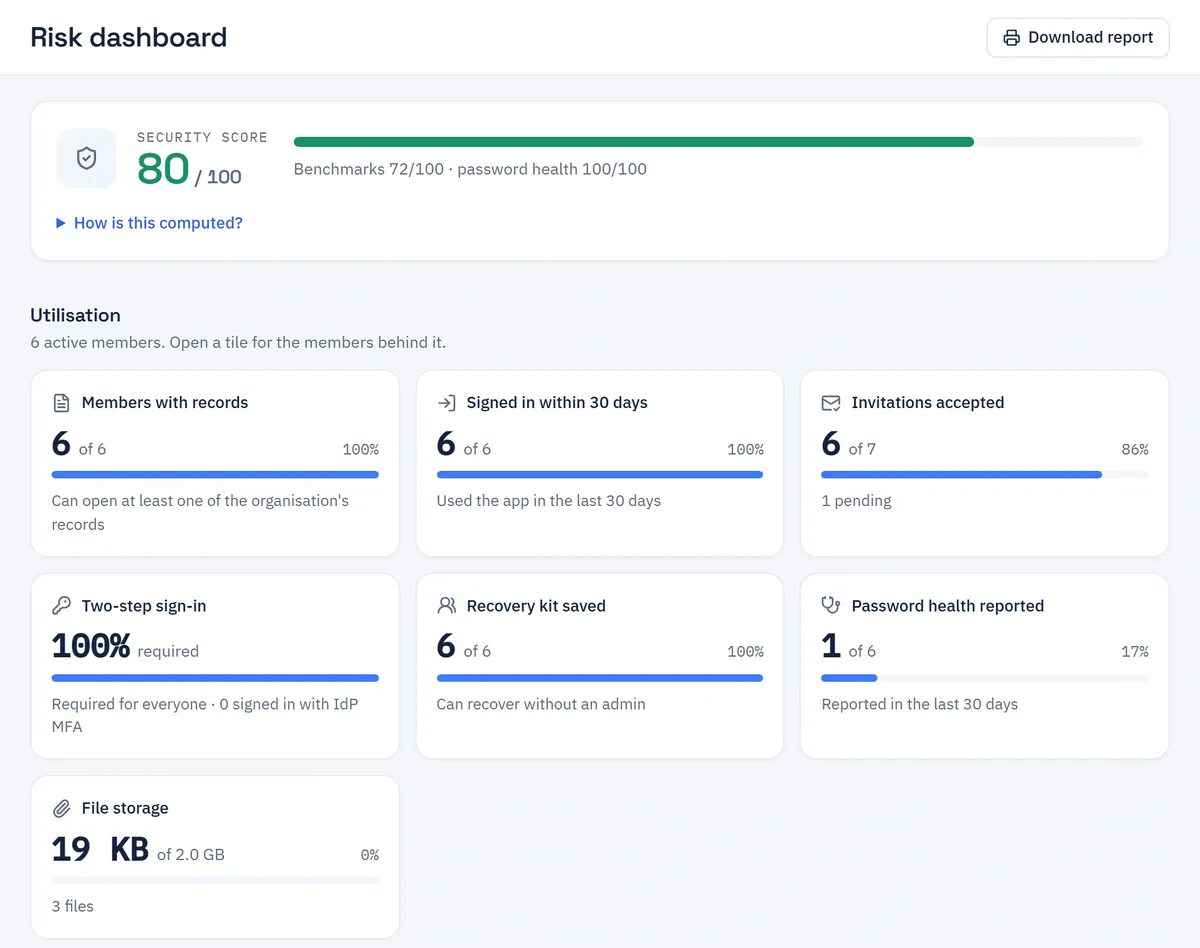
Security score, weak and reused passwords per member, and a button to the page where you fix each one.
Event log
Who was given what, and who downloaded which file. Filters and CSV export.
Encrypted backups
Built in, to S3 or a folder, readable only with your own key.
How security works
A stolen database holds your passwords only as ciphertext
Two-step sign-in for every account
An authenticator code is required at sign-in, or your Entra ID or Google two-step check if your organisation trusts it. Each code works once, and 10 failed attempts lock the account for 15 minutes.
The master password stays on the device
It is stretched with Argon2id in the browser. The server never receives it, and holds the keys it unlocks only in encrypted form.
A separate key for every item and file
Each is encrypted with AES-256-GCM before it leaves the browser.
Sharing the server can't read
Keys are sealed between browsers with X25519 sealed boxes. You're warned if a colleague's key has changed since you last gave them access.
Organisations kept apart
Each organisation has its own keys. Its admins can't decrypt another organisation's items or anyone's personal vault.
Two ways to recover a lost password
Each person gets a recovery kit. Admin recovery is off by default, needs two admins (plus a 24-hour wait after a 2FA reset) and covers one organisation, never the personal vault.
Links that open once
The key sits in the link's # fragment, which the browser never sends, so the server can't open it. Add a password if you want.
Backups only you can read
Encrypted with your age key before they leave the container, then written to S3 or a folder.
Stored in plain text: member names and emails, organisation and group names, record categories and the event log.
What leaves your network
When you self-host, no data reaches Clane. Traffic leaves your network only for: the breached-password check (the first 5 characters of a SHA-1 hash to Have I Been Pwned; admins can switch it off), Entra ID or Google sign-in, your mail provider, your S3 backups, and image downloads from ghcr.io when you update.
How it runs
One container, your Postgres
- Your usersweb · app · extension
- Your HTTPS proxyTLS · your domain
- Clane Vault1 container
- Your Postgres14+
- One image,
ghcr.io/clane-ai/clane-vault, on-premises, on Azure or on AWS. The database can be on Supabase. - Install in under an hour; updates are one command
- Or hosted by Clane in the EU, with a data processing agreement
Compared
Clane Vault compared with cloud password managers and self-hosted Bitwarden
| Clane Vault | Cloud password manager | Bitwarden (self-hosted) | |
|---|---|---|---|
| Hosting | Your containers, or Clane's EU hosting | Vendor's cloud | Your containers |
| Source code | Full source, AGPL-3.0 | Closed | Open (AGPL / proprietary mix) |
| Organisations per login | Many, each with separate keys | Varies by product | Several |
| Client sharing | One-time links, with files | Share links (e.g. Keeper One-Time Share) | Bitwarden Send (expiring links) |
| Built-in encrypted backups | Yes, to S3 or a folder | Vendor-managed | Local database dumps |
| Single sign-on | OIDC (Entra ID, Google) | SAML / OIDC | SAML / OIDC (paid tiers) |
What you pay for
Free to self-host
You can run Clane Vault on your own servers without paying us. We charge for:
- Support and SLA: a reply within 24 hours, by email
- Clane EU hosting, if you'd rather not run it
- Onboarding: install, import and policies
Pilot with one team
We help you install it on your infrastructure, import your current passwords and set your policies.
vault.clane.ai
github.com/clane-ai/clane-vault
Pricing: contact us